 Drefly
 Record Tutorial: Free Screen Recorder, Share Links, AI Notes and Lead Forms
A full tour of Drefly Record, the free screen and camera recorder that runs in your browser: start a recording, place your camera bubble, share a link with an optional PIN, comments, reactions and free AI insights, lead forms, settings and recording from Slack. No signup, no watermark and no time limit.
תמלול
Welcome to Drefly Record. Here's a quick tour of your recorder.
Pick what to record: your screen, your camera, or both together.
Turn on your mic and system audio, then press Start recording.
There's no time limit and no watermark.
Your camera shows as a bubble over your screen.
Drag it into any corner and pick a circle, rounded or square shape. It's saved right where you put it.
When you're done, open Share.
Pick a format, protect it with a PIN if you like, and create your link.
Viewers can watch, comment and react right on the link, with no account needed.
Every recording gets a free transcript, summary and chapters, made right in your browser.
They stay private until you choose to share them.
Want leads from a recording? Request a lead form.
The Drefly team reviews it the same day.
Once it's approved, pick the fields and when to ask. Every lead reaches you by notification and email.
Settings keeps your profile, notifications and player preferences in one place.
Choose what reaches you in the app and by email, and add your WhatsApp number for alerts.
Using Slack? Add Drefly to your workspace and type /drefly to record.
When you share, the video posts back to the channel with its transcript and summary.
That's it. Start your next recording at record.drefly.pro.
More videos
 1:00
Drefly Record · Demo
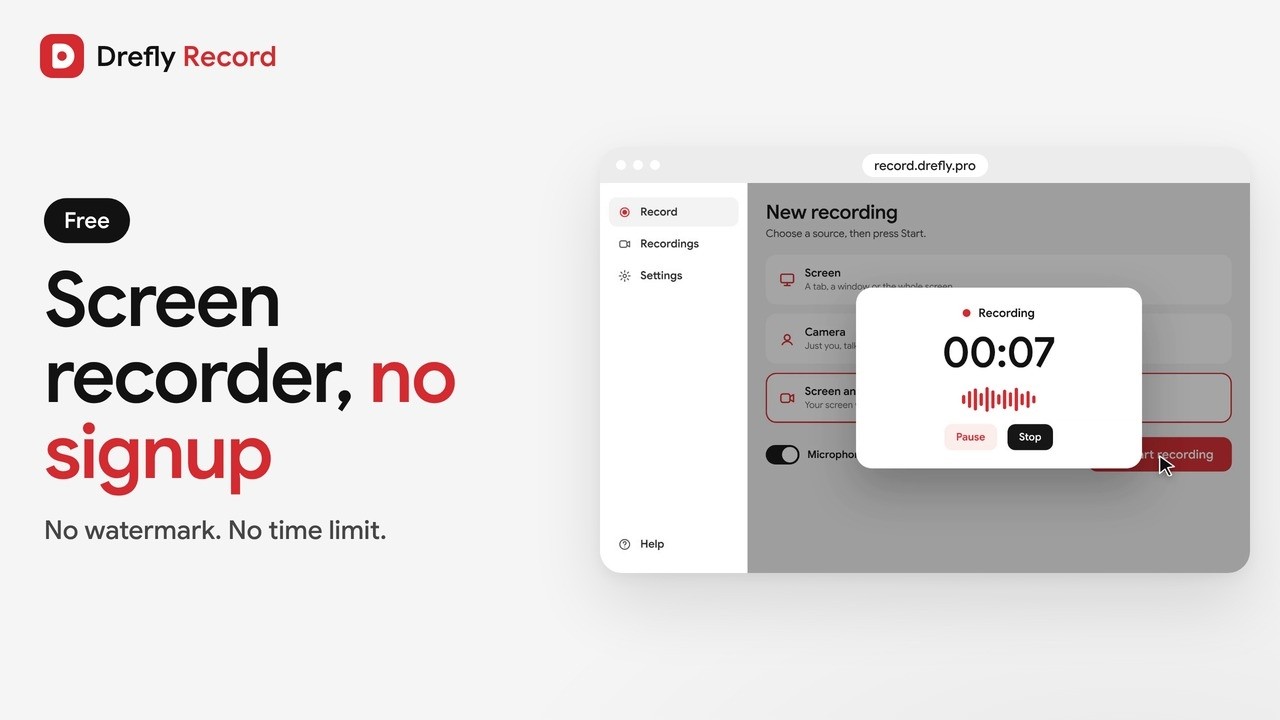
Free Screen Recorder With No Signup and No Watermark | Drefly Record
 1:02
Drefly Record · Tutorial
How to Add a Lead Form to Your Screen Recordings | Drefly Record Tutorial
 1:16
Drefly Developer · Tutorial
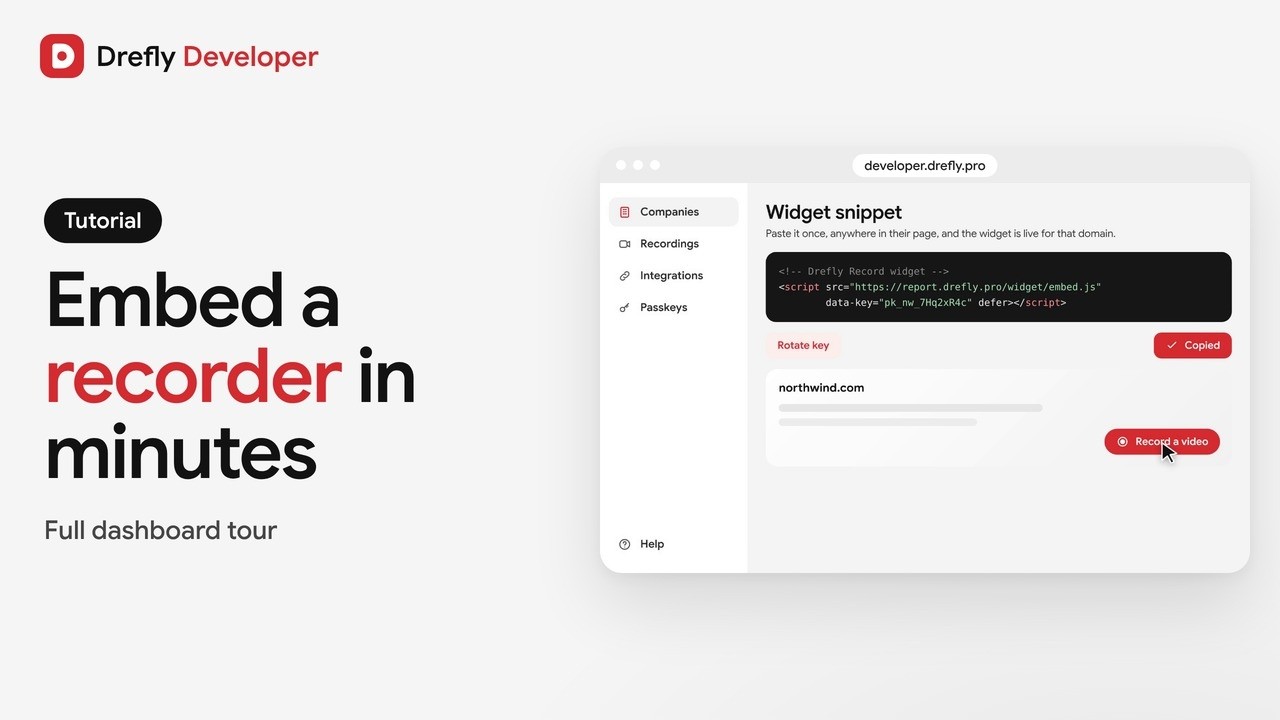
Drefly Developer Tutorial: Embed a Free Screen Recorder Widget on Any Website
 0:50
Drefly Developer · Demo
Get Bug Report Videos From Your Customers With One Script Tag | Drefly Developer
 1:15
Drefly Ads · Demo
Drefly Ads Demo: Advertise on Free Tool Pages People Use Every Day
 1:41
Drefly Ads · Tutorial
Drefly Ads Tutorial: Book, Track and Manage Your Ads
 1:28
Drefly for Slack · Tutorial
Drefly for Slack Tutorial: Commands, Shortcuts and Customer Recordings
 0:53
Drefly for Slack · Demo
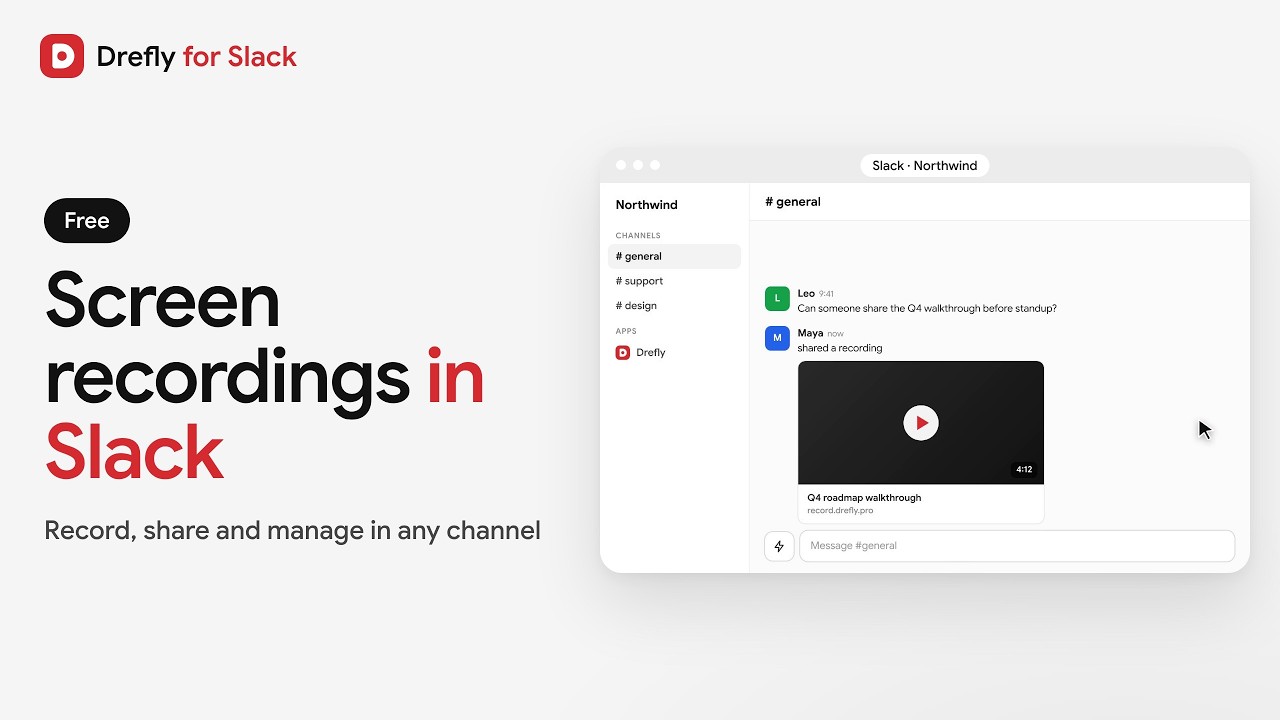
Drefly for Slack Demo: Record, Share and Manage Screen Recordings in Slack